
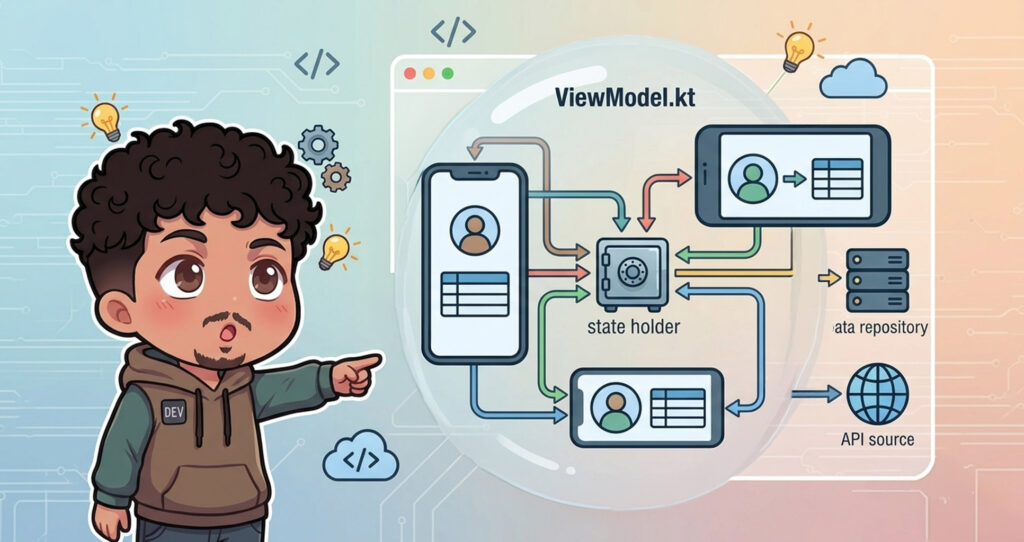
Let’s break down the source code to understand how the ViewModel actually works under the hood and why it’s so important for modern Android architecture.
The Data Manager
Right at the top of the file, we see the declaration: public expect abstract class ViewModel.
public expect abstract class ViewModelFor those of us who aren’t always fans of dealing with abstract classes, maybe this one is a surprise.
By making it abstract, the Android lifecycle system can securely hook into it and manage its creation and destruction behind the scenes.
“ViewModel’s only responsibility is to manage the data for the UI. It should never access your view hierarchy or hold a reference back to the Activity or the Fragment.”
A ViewModel should not know anything about the Android framework. If we are passing a Context or a UI element, we are likely creating a memory leak.
Surviving Configuration Changes

The documentation tell us that a ViewModel is always created in association with a scope, like an Activity or Fragment, but comes the cool part:
“A ViewModel will not be destroyed if its owner is destroyed for a configuration change (e.g. rotation). The new owner instance just re-connects to the existing model.”
If the user rotates their phone, the OS destroys and recreates the Activity. If we were holding our data inside the Activity, it would be wiped out. Because the ViewModel lives outside that immediate lifecycle, what deserves a post for its own, it survives the rotation.
When the UI comes back to life, it simply reconnects to the ViewModel, and all data is exactly where we left it.
State and Observability
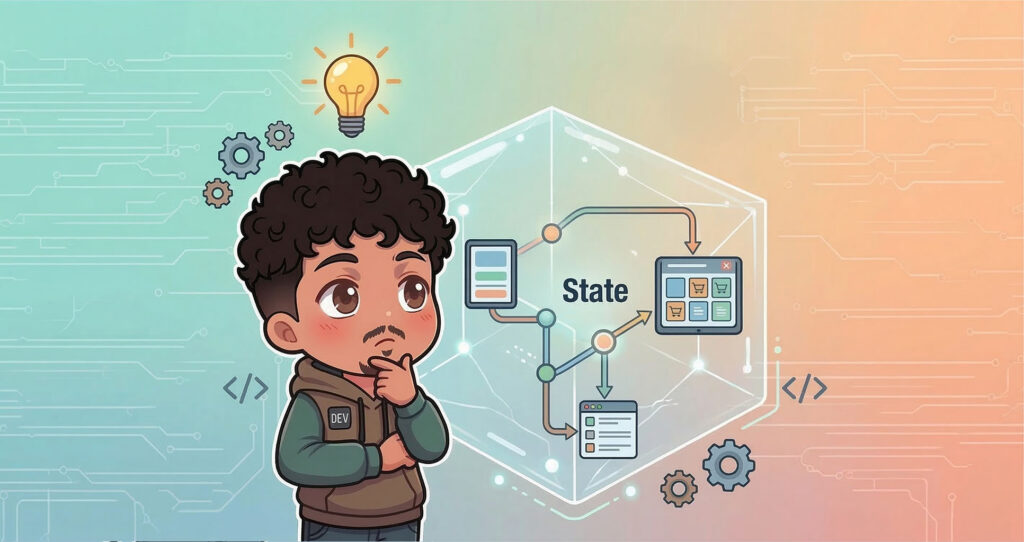
The core purpose of the ViewModel is to acquire and hold the state required by our UI. It acts as the single source of truth.
While the documentation mentions LiveData, in modern Android development, we typically expose this information using Kotlin State Flow. When the state in the ViewModel changes, the UI automatically reacts and recomposes.
The Coroutines Connection
If we scroll further down in ViewModel.kt, we find an extension property: viewModelScope.
public val ViewModel.viewModelScope: CoroutineScopeRemember our last post about Coroutines? The viewModelScope is a built-in CoroutineScope tied directly to the ViewModel’s lifecycle.
If the user closes the screen and the ViewModel is finally destroyed, any network calls or heavy background work running in the viewModelScope are automatically cancelled.
This prevents your app from crashing or wasting resources doing work for a screen that no longer exists!
A Modern Compose ViewModel
To tie everything together, here is what a standard ViewModel looks like in a modern Jetpack Compose application.
This example uses a registration screen to show how we manage state, handle user actions, and trigger one-time events (like navigation).
class RegisterViewModel(
    private val authService: AuthService,
) : ViewModel() {

    // 1. One-Time Events (Navigation, Toasts, Snackbars)
    private val eventChannel = Channel<RegisterEvent>()
    val events = eventChannel.receiveAsFlow()

    private var hasLoadedInitialData = false

    // 2. The UI State
    private val _state = MutableStateFlow(RegisterState())
    val state = _state
        .onStart {
            if (!hasLoadedInitialData) {
                observeValidationStates()
                hasLoadedInitialData = true
            }
        }
        .stateIn(
            scope = viewModelScope,
            // 3. The Rotation Superpower in Action!
            started = SharingStarted.WhileSubscribed(5_000L),
            initialValue = RegisterState()
        )

    // 4. Single Entry Point for UI Actions (MVI Pattern)
    fun onAction(action: RegisterAction) {
        when (action) {
            RegisterAction.OnLoginClick -> Unit
            RegisterAction.OnRegisterClick -> register()
            else -> Unit
        }
    }

    private fun register() {
        if (!validateFormInputs()) {
            return
        }

        // 5. Safe Background Work
        viewModelScope.launch {
            _state.update {
                it.copy(isRegistering = true)
            }

            val email = state.value.emailTextState.text.toString()
            val username = state.value.usernameTextState.text.toString()
            val password = state.value.passwordTextState.text.toString()

            authService
                .register(
                    email = email,
                    username = username,
                    password = password
                )
                .onSuccess {
                    _state.update {
                        it.copy(isRegistering = false)
                    }
                    // Send a one-time event to navigate away
                    eventChannel.send(RegisterEvent.Success(email = email))
                }
                .onFailure { error ->
                    // Handle failure state here
                }
        }
    }
}State vs. Events: We use StateFlow for data that needs to persist (like the text in the email field), and Channel for one-time events (like navigating to the success screen). This prevents bugs where the app tries to navigate again if the user rotates the screen!
SharingStarted.WhileSubscribed(5_000L): Remember our rotation scenario? This specific line tells the flow to wait for 5 seconds before cancelling. Since a screen rotation takes less than a second, the state flow stays alive, preventing unnecessary network calls or data loss.
MVI Architecture: Instead of the UI calling random methods inside the ViewModel, it sends an Action. This creates a clean, unidirectional data flow that is incredibly easy to test and debug.
Lifecycle Safety: Because we use viewModelScope.launch for the registration network call, if the user closes the app during the request, the coroutine is safely and immediately cancelled.
By understanding what is actually happening inside ViewModel.kt, you can stop guessing how your architecture works and start building more robust, crash-free applications.
Check out the video version of this breakdown on the YouTube channel, where we deep dive inside each one of these patterns, and as always, let’s make this work!